Quick and easy way to find your openSpots IP address.
Been using Fing on Android for awhile now, its scans your local network and comes back with what’s on it. This is especially handy for the umteen Raspberry Pis I have on my Network....
Anyways..
First go get and install the app, Fing.
Android
iPhone
Make note of and jot down your mac addy on the back of your openSpot.
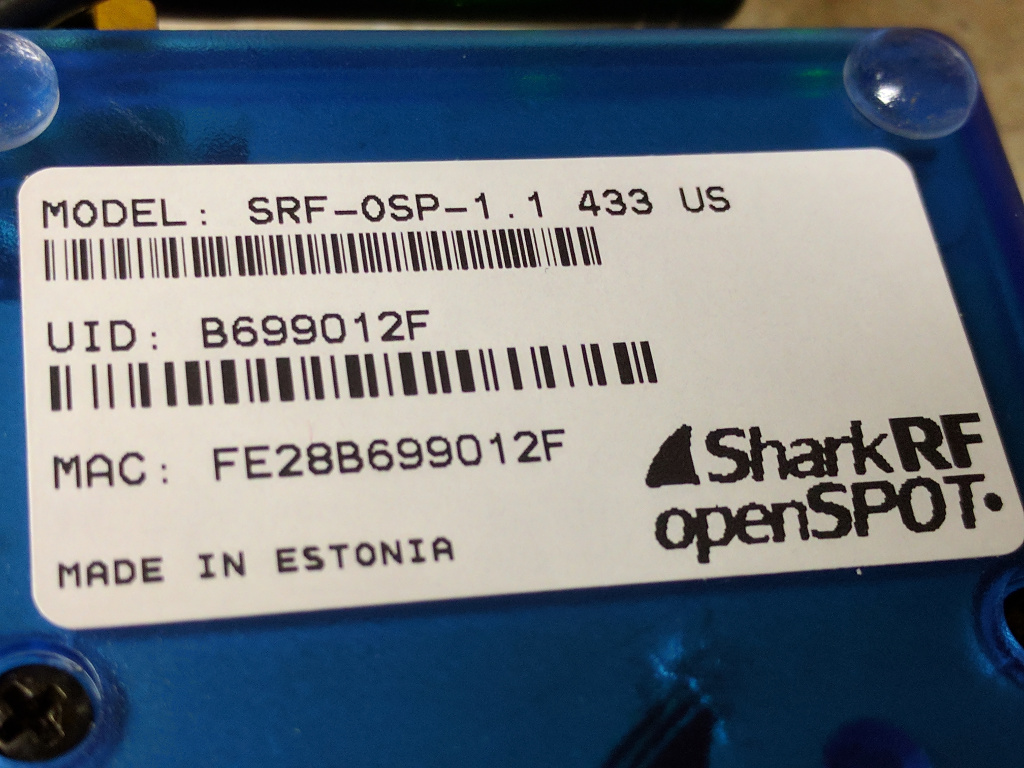
Mine here is FE:28:B6:99:01:2F
Now just open up Fing on your Iphone, Android device etc etc and run a scan. Then just find your MAC address in the device list, and it will show you your IP.
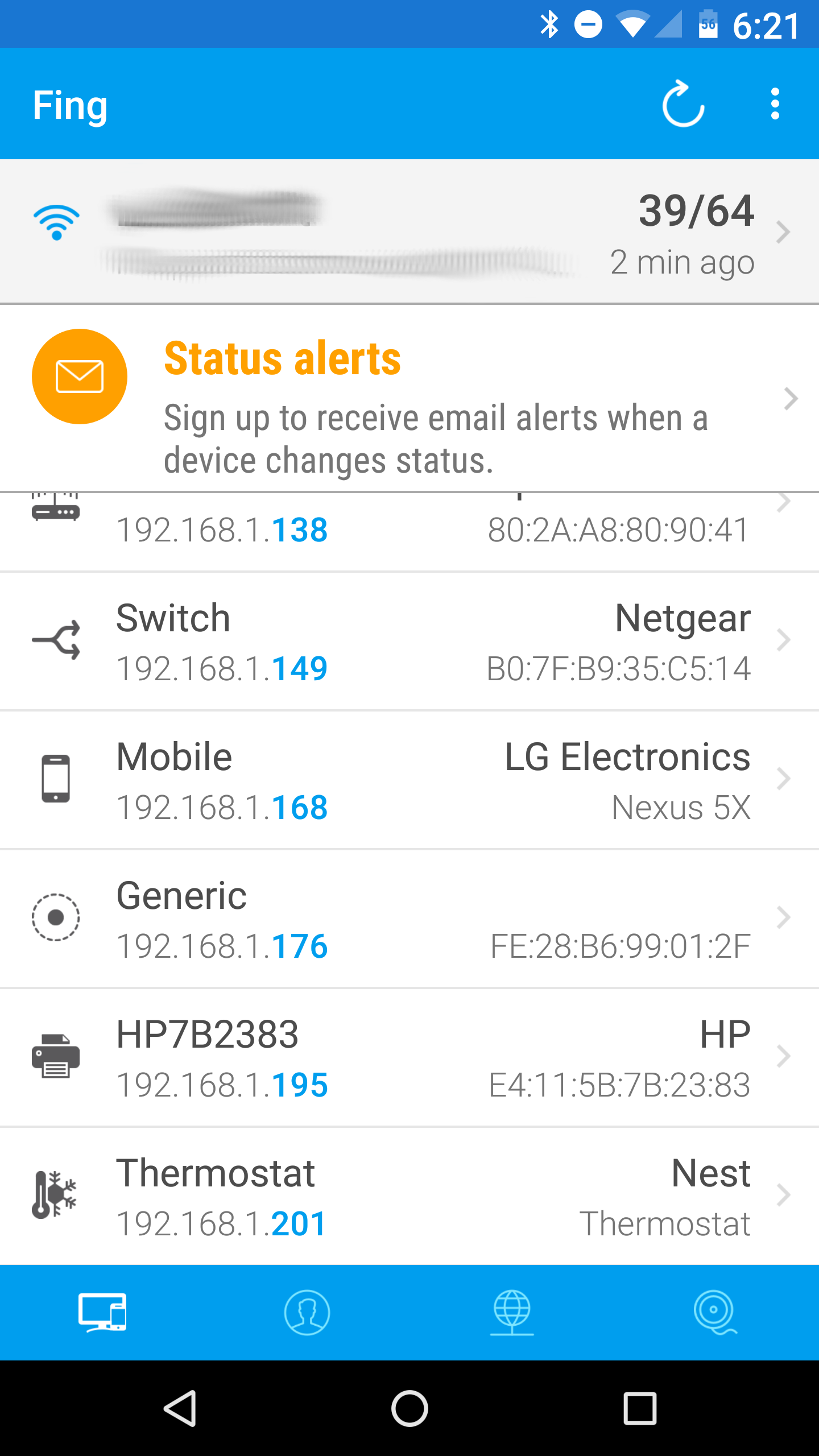
There's mine with the "Generic" device tag with an IP of 192.168.1.176
Thats it! Hope this helps some of you.
-jim
N1ZKO
